Help with Understanding Zoe
How-to videos
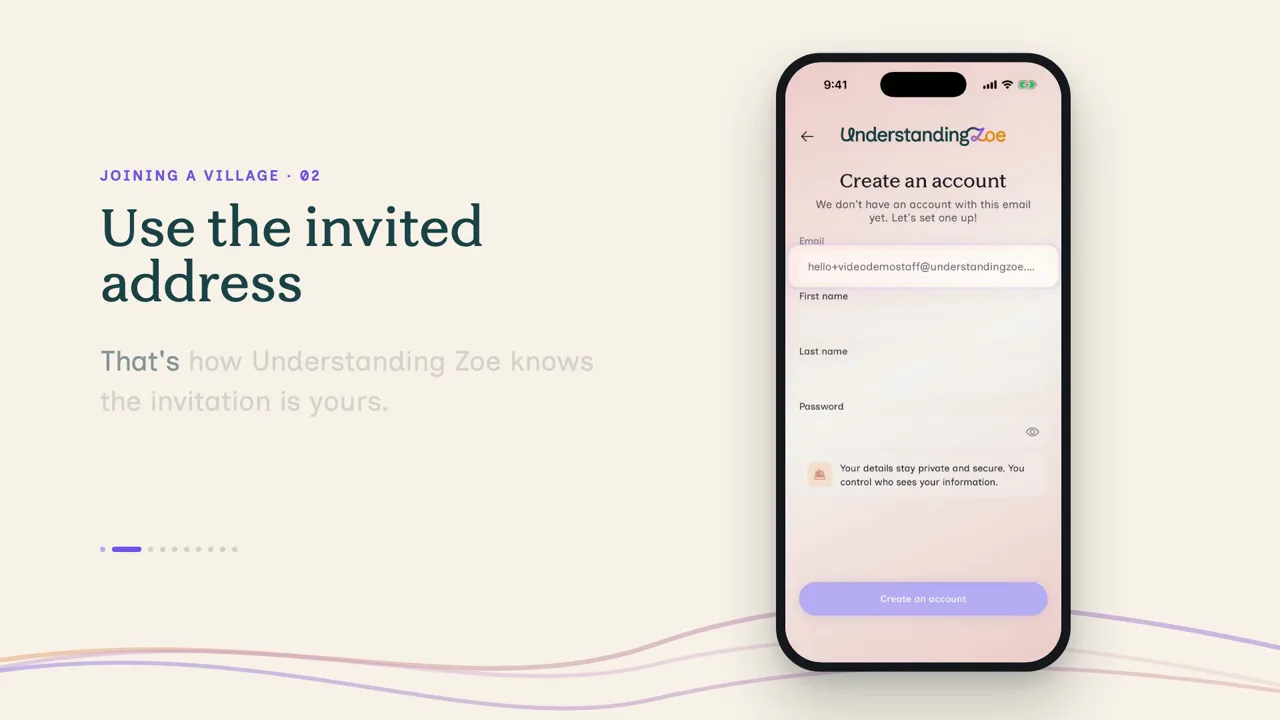
Each Understanding Zoe how-to video shows one task in about two minutes. Every video plays with captions on and has a written transcript. Families learn to set up, talk to Pip, invite people, keep documents and make reports. Anyone invited to a village can learn how to join. Therapists learn to use the web app before and after a session.
If you're raising a child
For parents and carers using the app for their child.
 Getting set upMake your account, add your child's profile, and meet Pip.2 min · On a phoneWatch
 Your village and who sees whatInvite someone, choose what they see, and follow what they add.2 min · On a phoneWatch
 Talking to Pip every dayTell Pip about today, use your voice, and ask questions.2 min · On a phoneWatch
 Documents in one placeAdd letters and reports with your camera, and forward emails to Pip.2 min · On a phoneWatch
 The bigger pictureSee your child's Story, then turn it into a report for a meeting.2 min · On a phoneWatch
If you've been invited to someone's village
For teachers, therapists, support workers, family and friends.
If you're a therapist using the web app
Before and after a session, on a computer.
 Getting to know your clientCatch up on what has been shared before a session.2 min · On a computerWatch
 Preparing for a session with PipAsk Pip what has changed, and make a brief before a session.2 min · On a computerWatch
 After the sessionLog what you noticed, suggest a strategy, and keep the family in the loop.2 min · On a computerWatch
Using Understanding Zoe for yourself? These videos show a child’s profile. The steps are the same when the profile is your own. Only the roles you can invite change.
Prefer to read? Our help page answers the questions people ask most, and a real person reads every message.
Ready to try Understanding Zoe for yourself?
Start free for 7 days, on iPhone and Android.
You add a payment method to start, but you’re not charged until day 8.